CRM Features Explained (2026)
The core features every CRM should have, what each one actually does, and which ones matter most for your business.
See these features in action →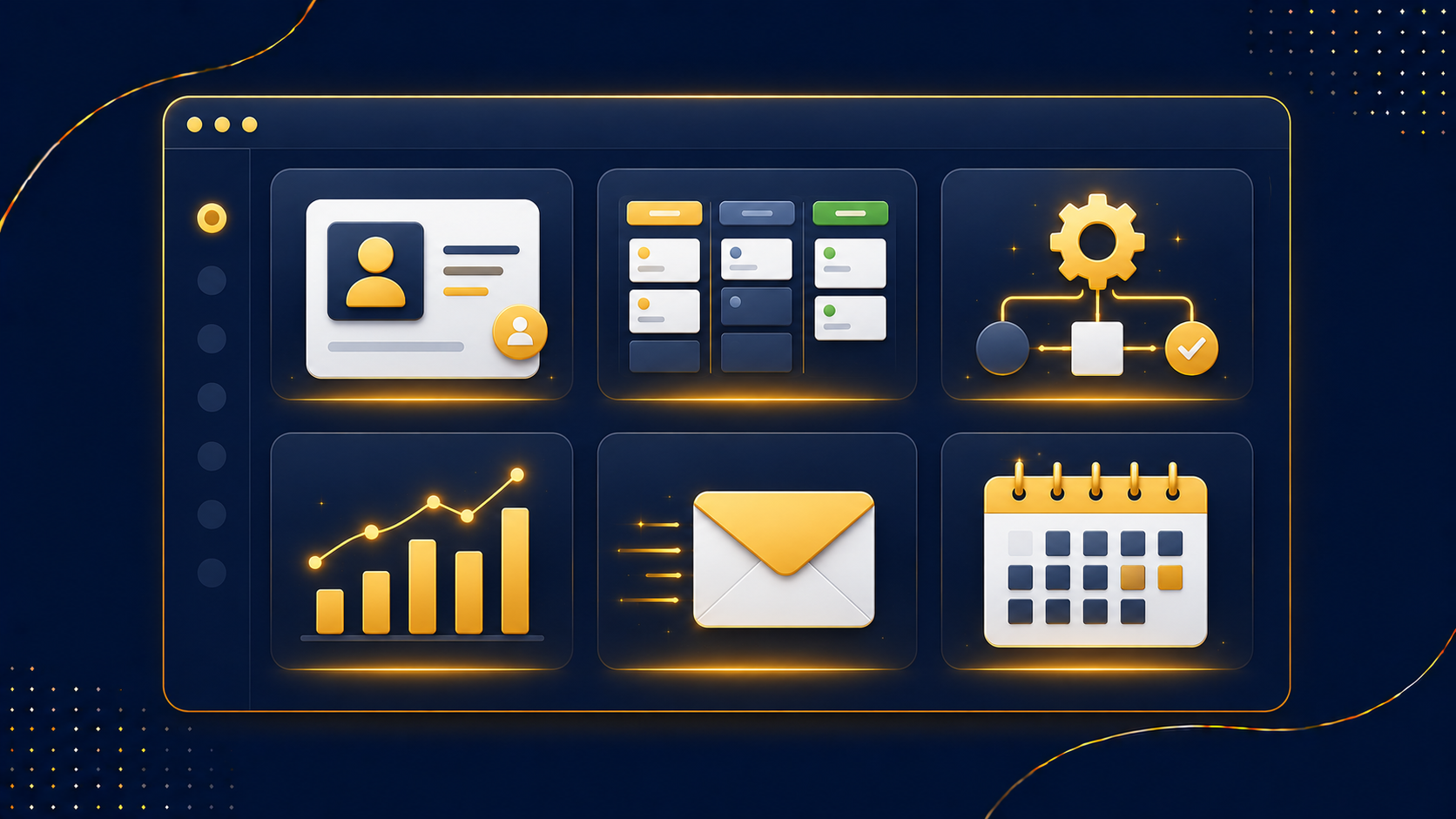
Last updated: June 2026 · Written by the CRMReviews team
CRM feature lists can run to dozens of bullet points, which makes it hard to know what actually matters. In practice, a handful of core features do most of the work. This guide explains each one in plain English - what it is, what it does for you, and how to tell which features your business genuinely needs.
Key takeaways
- The foundation of any CRM is contact management - a unified record per customer.
- Pipeline and automation move deals forward and remove repetitive work.
- Reporting and analytics turn activity into forecasts and decisions.
- Modern must-haves include two-way email sync, mobile access, integrations and AI.
- Focus on the features you'll actually use - not the longest list.
The core CRM features
Contact management
The foundation. A unified database where every call, email, meeting, deal and ticket ties back to one contact record, with automatic deduplication and a chronological timeline of every touchpoint.
Pipeline management
Drag-and-drop deal stages from lead to close, so you can see where every opportunity stands and what needs attention next.
Workflow automation
Auto-assigns leads, triggers follow-ups and updates fields - reducing repetitive manual work and simplifying multi-step operations across teams.
Reporting & analytics
Real-time dashboards, KPI tracking, revenue forecasting, funnel visualisation and customer lifetime value - no spreadsheets required. See our CRM KPIs guide.
Two-way email sync
Emails are logged automatically against the contact, with no manual copying - so the record is always complete.
Mobile access
A mobile app with full CRM functionality, so your team can work from anywhere.
Integrations
Third-party connections to your email, calendar, billing and other tools, keeping data consistent everywhere.
AI capabilities
AI-powered forecasting and next-best-action suggestions - which deals to prioritise, when to follow up, who to re-engage.
Support ticketing
Manage customer support requests against the same contact record, uniting sales and service.
Core vs nice-to-have
| Must-have | Nice-to-have |
|---|---|
| Contact management | AI next-best-action |
| Pipeline management | Customer lifetime value analytics |
| Automation | Advanced custom reporting |
| Email sync | Support ticketing |
| Reporting | Built-in marketing tools |
Everyone needs the left column. The right column depends on your business - don't pay for what you won't use.
Which features do you actually need?
Match features to your real bottleneck. Losing track of conversations? Prioritise contact management. Deals going cold? Pipeline and automation. Flying blind on performance? Reporting. If you also generate your own leads, look for built-in marketing tools or an all-in-one platform that bundles them. Our how to choose a CRM guide turns this into a checklist, and how a CRM works shows the features in context.
Frequently asked questions
What are the essential CRM features?
Contact management, pipeline management, workflow automation, reporting and analytics, two-way email sync, mobile access and integrations - with AI and ticketing as modern additions.
What's the most important CRM feature?
Contact management. A unified, deduplicated record with a full timeline per customer is the foundation everything else builds on.
Do I need AI features in a CRM?
They're valuable but not essential. AI forecasting and next-best-action help larger teams; smaller businesses often get more from solid automation first.
What is two-way email sync?
It automatically logs emails to and from a contact against their record, so you never have to copy correspondence in manually.
Should my CRM include marketing tools?
If you generate your own leads, yes - built-in marketing or an all-in-one platform saves juggling separate tools.
Every core feature, plus marketing
GoHighLevel includes CRM, pipeline, automation and reporting - plus funnels and email/SMS. Try the full feature set free for 14 days.
Start your free trial →